


Bootable usb drive using Flashboot
Flahboot is a pretty straightforward method , you can download the program from here , or you can download this archive:flashboot-2.2d-portable.
For this method you will need a usb flash drive (at least 4 gb of storage) , a windows DVD , or a windows iso image file.
1. FIRST you need to install the program .
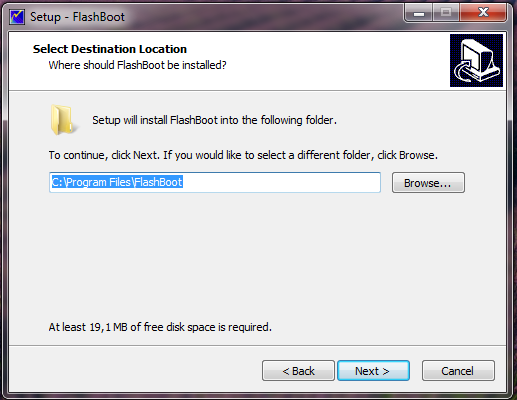
2. SECOND after installation is done open the .exe file (aplication file).
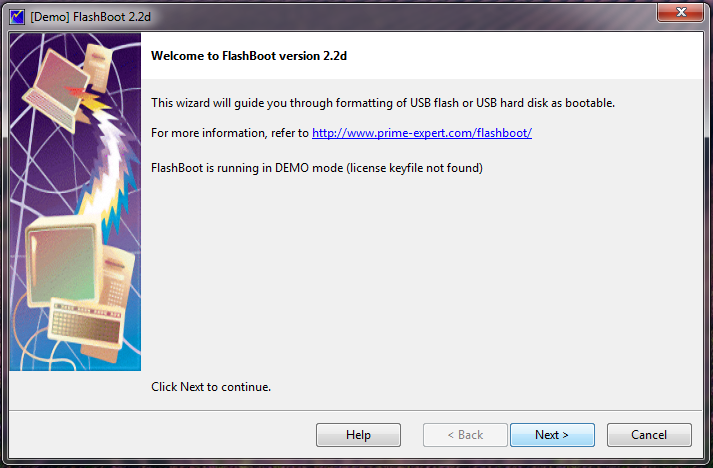
3.THIRD click next.
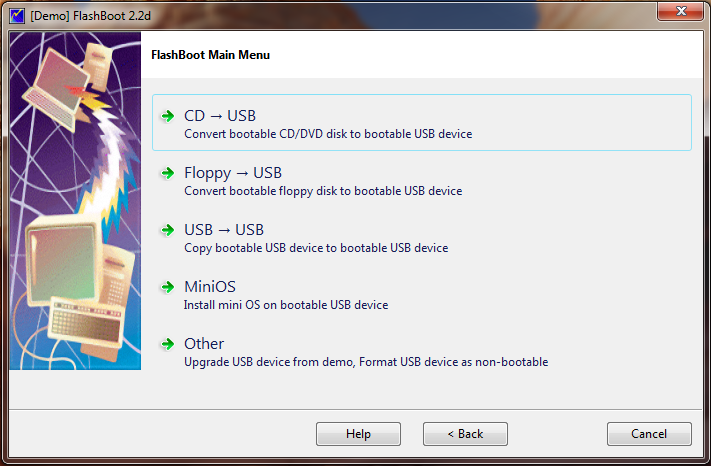
4.FUORTH Choose option CD → USB.
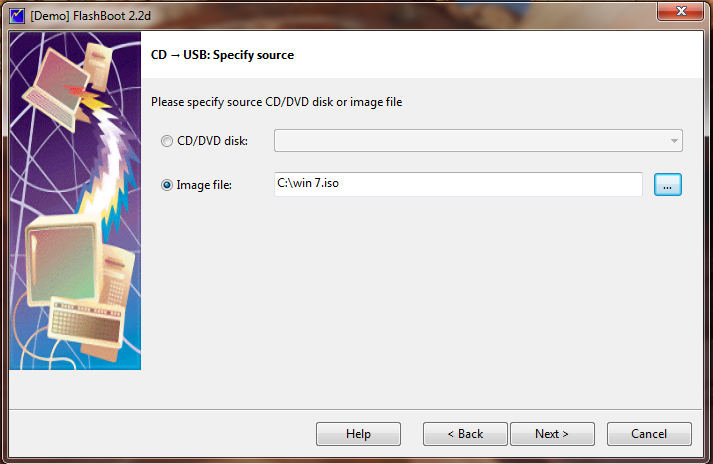
5.You can choose to insert a windows DVD in your dvd drive , and select that , or you can choose a windows image file from you computer, like i did.
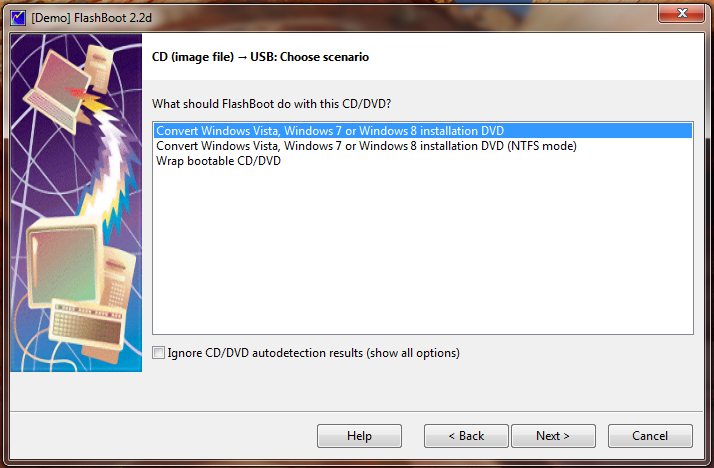
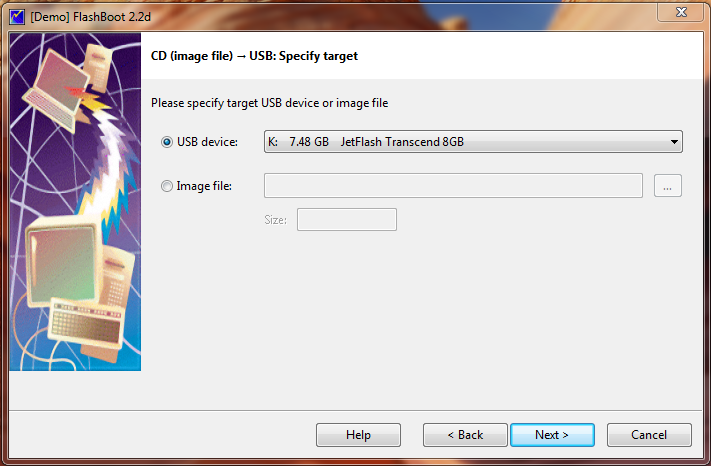
6. Select the first line that says ConvertWindows Vista, Windows 7 or Windows 8 installation DVD , and click next. 7. Now select your usb device and click next.
8. Now you have the option to name you usb drive if you want to .
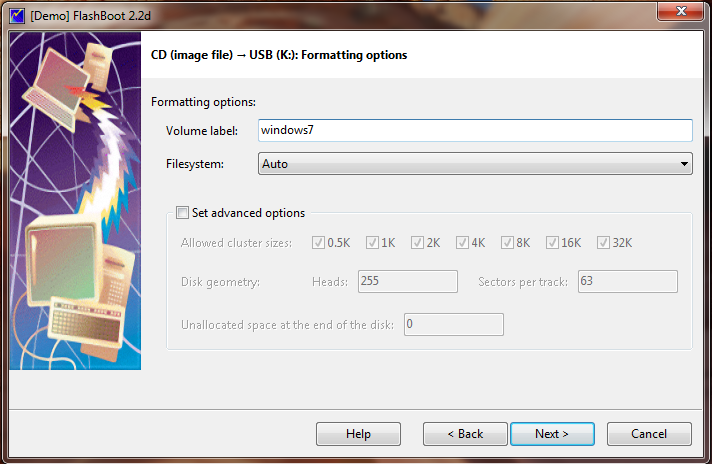
9. Click next , and then click format (be aware that this process will erase all of your files on the usb drive and will copy new ones).
.
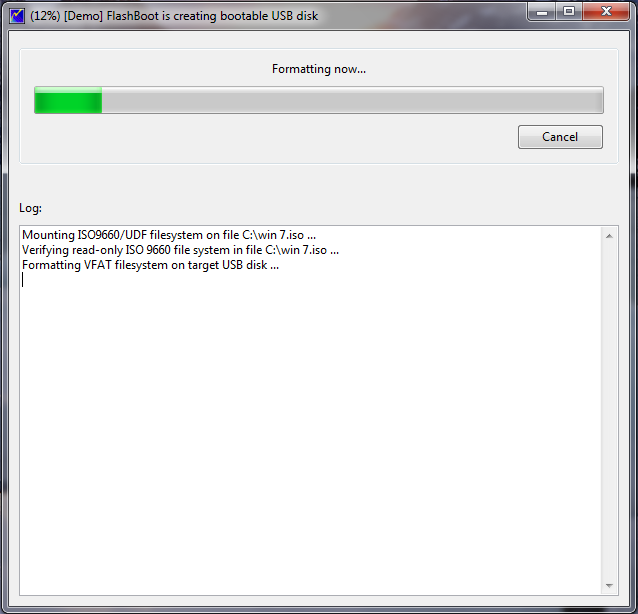
10. When the formating and copying is done click ok .
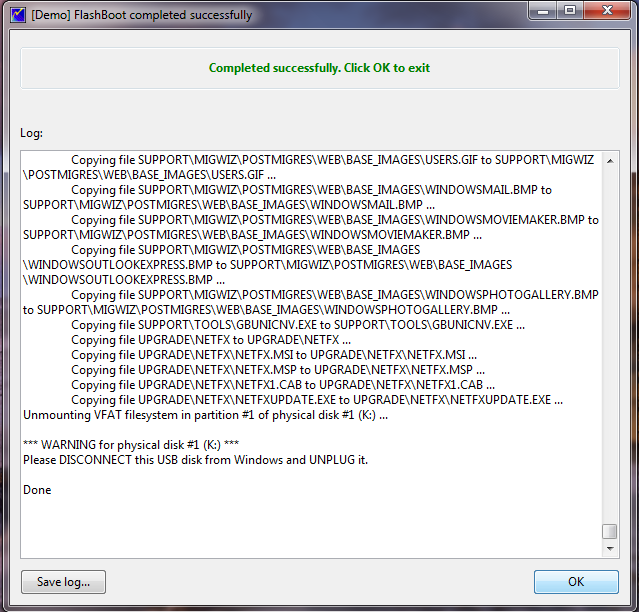
11. Thats all , your bootable usb drive is ready to use .


No comments:
Post a Comment