


A Bootable USB software program
This program is easy to use , it’s called A bootable USB and you can download it freefrom here , or you can download this archive: A Bootable USB.
For this program you will need a usb flash drive (at least 4 gb storage), and a windows dvd or a windows iso image.
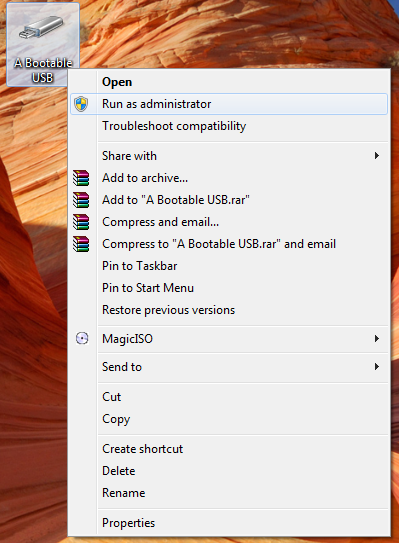
1. The first step is to right-click the program and select run as administrator.
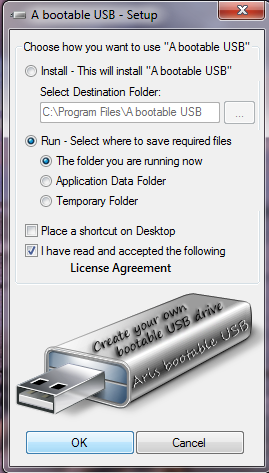
2. Now you can eihter choose to install it or simply run it. Y will choose to run it . Check the box with the License Agreement , and click ok.
3. Now click ok on the help colomnn to close it , click check USB. Now you need to click options and mark the box where it says quik for quik format , and click ok to close to options column.
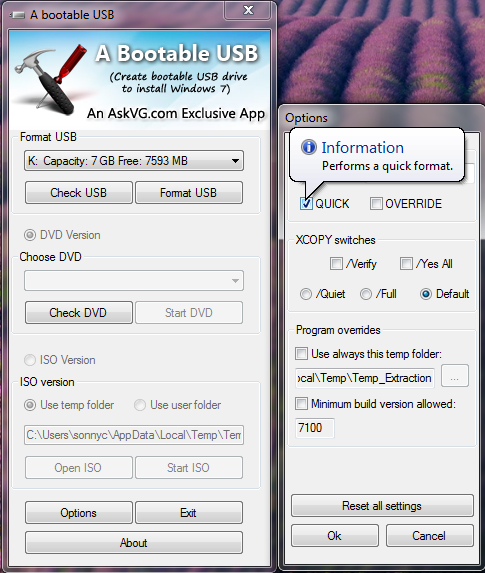
4. Now click format usb.
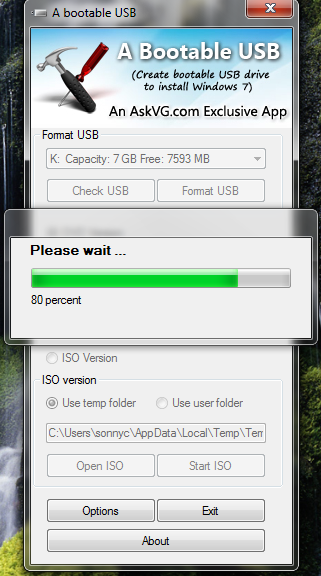
5. An autoplay will apear showing you that your usb drive has been formated. Just close the autoplay.
6. Now you can either chose to insert a windows dvd in you desktop’s dvd drive and click check DVD , and then start DVD , this action will copy all the files from you dvd to your usb drive and make it bootale.
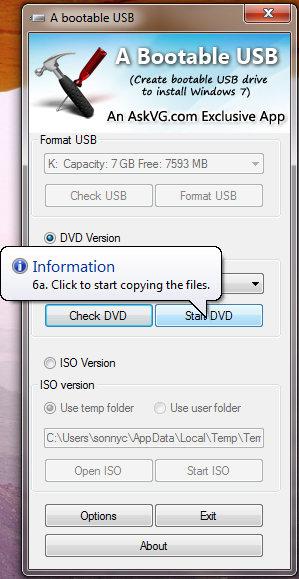
7. Or you can click ISO Version, click open iso and navigate to your windows iso image file , be sure that it is an iso file , not winrar file , and wait for a couple of minutes .
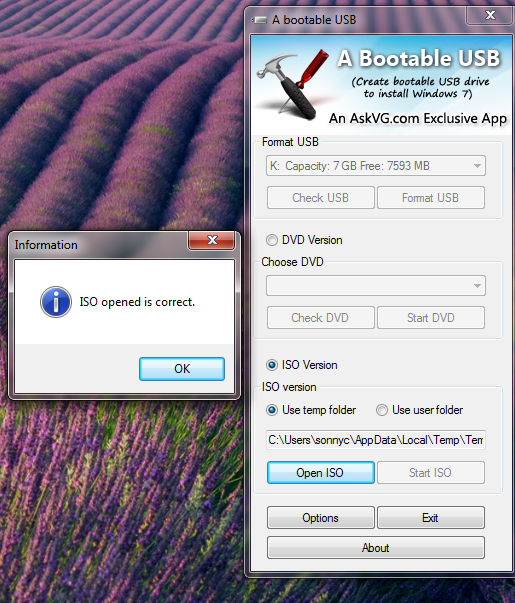
8. A message will apear , click ok , and then click start iso.
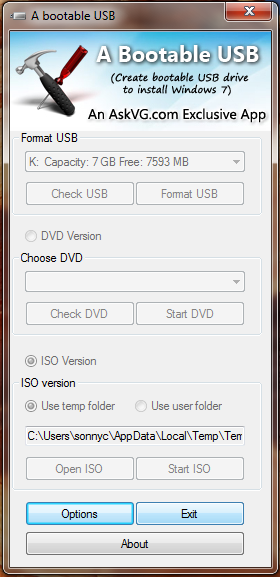
9. When the program is done copying just click exit , and thats all.


No comments:
Post a Comment